Reuse · Offline · Free
Turn an old phone into a digital photo frame
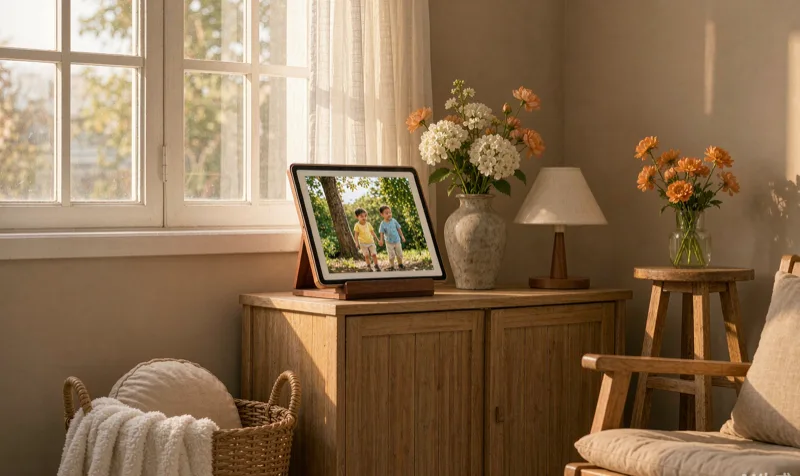
That idle phone in a drawer can become a living frame for your family's photos. New moments appear on their own — even offline, and without asking relatives to sign up.
Get the app
What you'll need
- A spare phone or tablet
- Its charger
- Wi-Fi once to set up
No new hardware, no subscription, no cloud account for the people who just want to look.
Set it up in four steps
- 1
Install Family Glimpse on the phone you want to reuse.
- 2
Create an album and add the family photos once.
- 3
Invite relatives — they open the invite link and look, with no sign-up or password.
- 4
Keep the phone on the home Wi-Fi; new photos arrive automatically.
Why not just buy a frame?
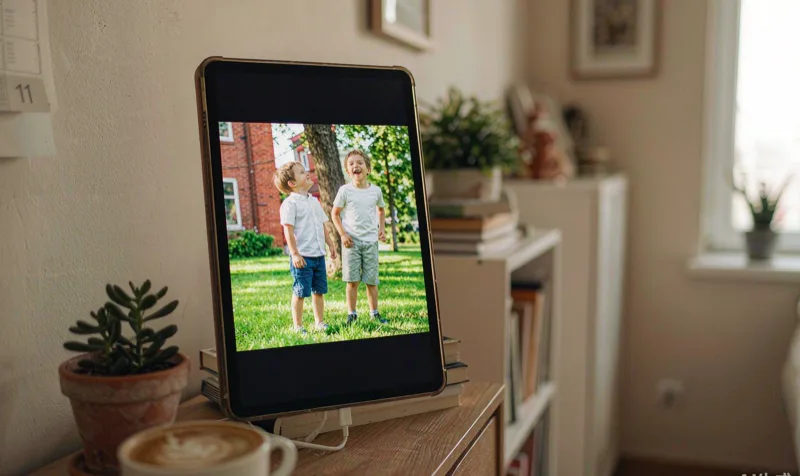
A bought frame needs manual uploads and usually an account. This one keeps updating itself, plays offline, and the people you share with don't need an account to look.
Questions people ask
Does the phone need to stay online?
Only for new photos to arrive. Once loaded, the frame keeps playing offline.
Do my relatives need an account?
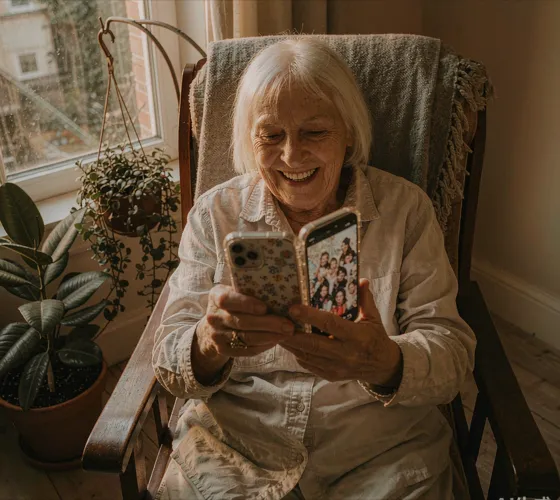
No. An invite link opens the album directly — they only look.
Which devices work?
Any phone or tablet that can install Family Glimpse — leave it plugged in and dedicated to the frame. Family Glimpse is available on Google Play.